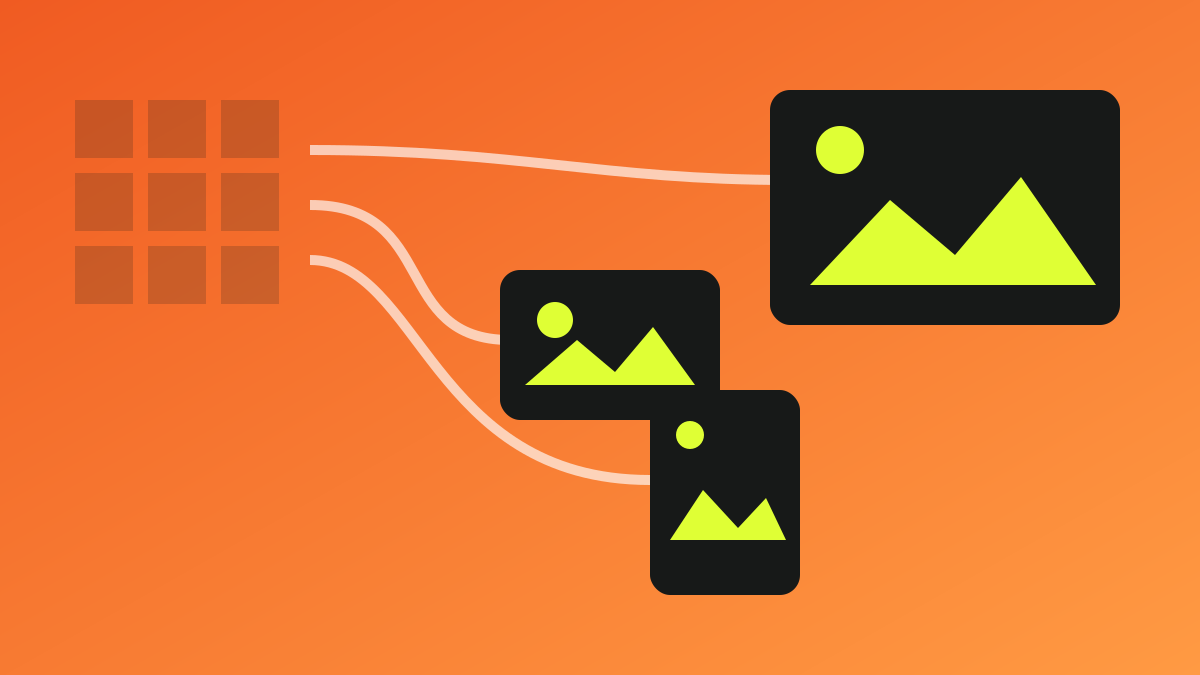
Start from rendered size, not the source file
Sending a 2400-pixel original into a 400-pixel card wastes bytes even in a modern format. Generate a small set of candidates from rendered widths and device pixel ratios, then let the browser choose through srcset and sizes.
When art direction is needed, use picture media conditions to provide a different mobile crop. Separate compositional choices from simple resizing so editorial intent remains clear.
Choose formats by content and operations
AVIF and WebP are strong candidates for photos and complex graphics, while SVG fits logos and simple icons. Compare animation, transparency, encoding time, browser support, and CMS transformation pipelines together.
Do not use one quality value everywhere. Hero art, small cards, and background texture reveal artifacts differently, so keep visual samples and file-size limits by use case.
- SVG: logos, icons, geometric illustrations
- AVIF/WebP: photos and complex raster images
- PNG: limited cases that truly need lossless output
Separate the LCP image strategy from the rest
If a hero is the LCP candidate, make it discoverable in initial HTML and do not apply loading=lazy. Use fetchpriority=high selectively; assigning high priority everywhere only creates competition.
Use native lazy loading below the fold to reduce initial transfer and decoding. Width and height—or a stable aspect ratio—reserve space and prevent layout shifts when images arrive later.
Solve discovery and accessibility in the same context
Alt text is not a keyword field; it communicates what the image does in this document. Use empty alt for decoration, and describe the essential meaning of informative images without mechanically repeating nearby prose.
Descriptive filenames, relevant nearby text, crawlable URLs, and applicable structured data aid discovery. Avoid hiding essential content in CSS backgrounds or revealing image URLs only after JavaScript executes.
Pre-release checklist
- ✓ Do srcset and sizes match actual rendered widths?
- ✓ Does every image reserve dimensions or an aspect ratio?
- ✓ Is the LCP image discoverable in initial HTML and not lazy-loaded?
- ✓ Did you review visual quality and byte size by use case?
- ✓ Do alt text, filename, and nearby context reflect the image’s real meaning?
Frequently asked questions
Should every image be converted to AVIF?
No. Consider content type, encoding cost, fallback, and tooling. SVG is often better for logos and icons, and WebP may be operationally simpler in some pipelines.
Is more lazy loading always better?
No. Delaying above-the-fold or LCP candidates makes primary content slower. Apply it selectively below the initial viewport.